

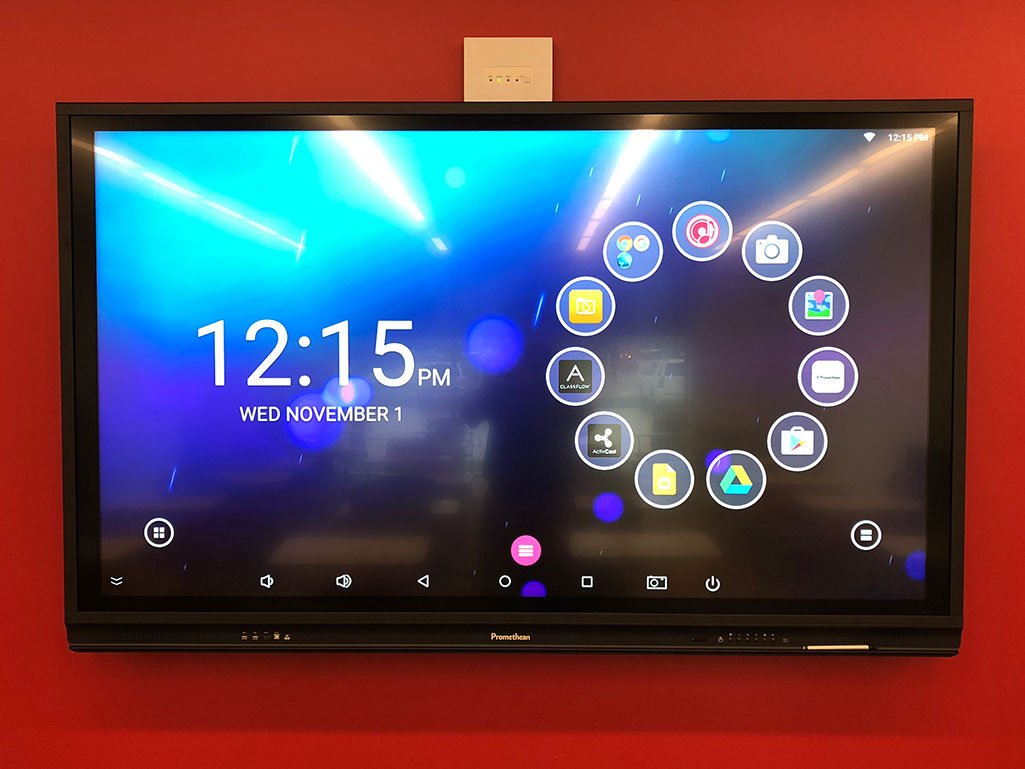
Promethean recently updated the ActivConnect OPS-G software. The android box is used with the new Promethean touchscreen ActivPanels.
*Note: The update will need to be done via the Owner account (Admin). If your ActivPanel is set up with profiles, you will need to contact your building tech to update the board in the Admin profile.
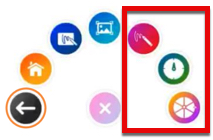
This update gives users 3 new apps from the Pink Menu Button; Spinner, Timer and Annotate.
To update: Tap the setting icon in the bottom left corner.
Tap the gear icon.
Tap Update.
Tap Online update.
Follow the instructions on screen to first download the update.
Once it has finished downloading, make sure you install the update by tapping the button on screen.
Your device will reboot once the update has been installed.
To confirm the ActivConnect has been updated to the latest version, go back to the Update screen.
