

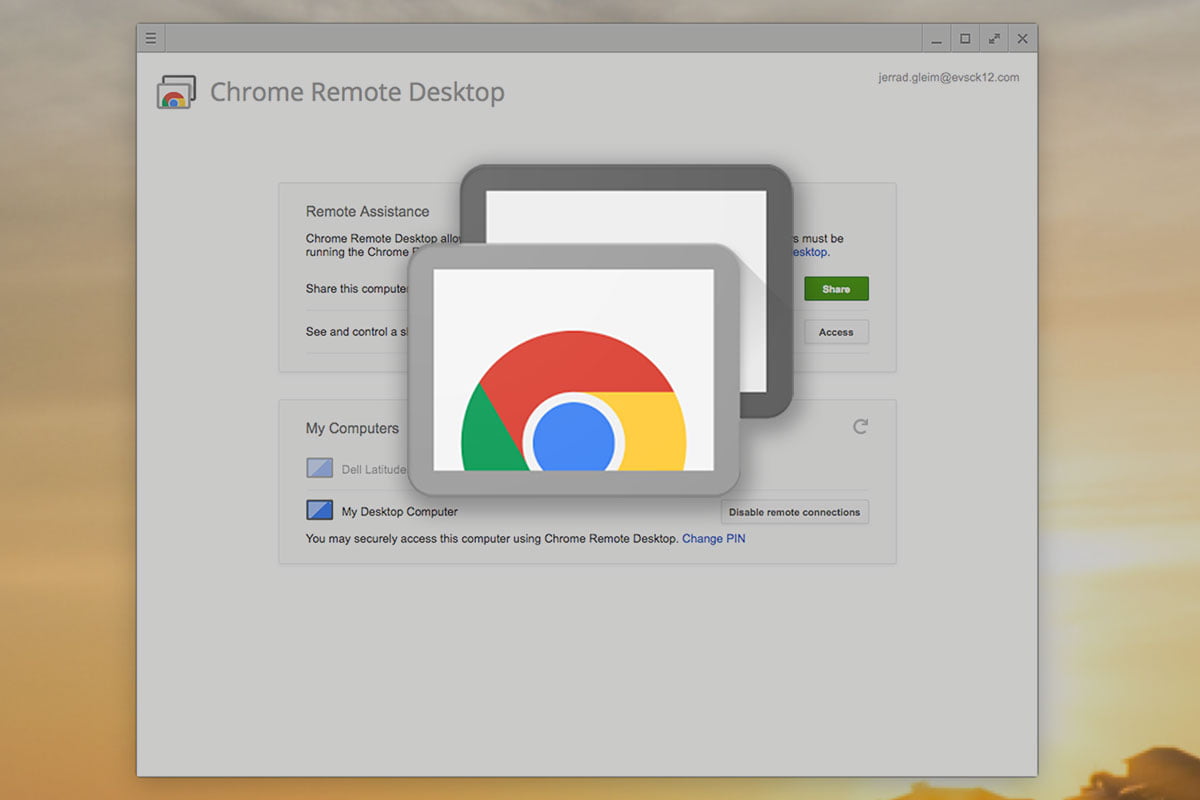
Teachers who are looking for a solution to control their desktop computer using their Dell 2-in-1 laptop can use a free program called Chrome Remote Desktop. Chrome Remote Desktop is a remote desktop software tool developed by Google that allows a user to remotely control another computer.
Directions
You may find it easier to view these directions as a Google Doc. Please click here to view in a separate window.

2 comments
Can I use this with our Mac desktop computers?
Yes