

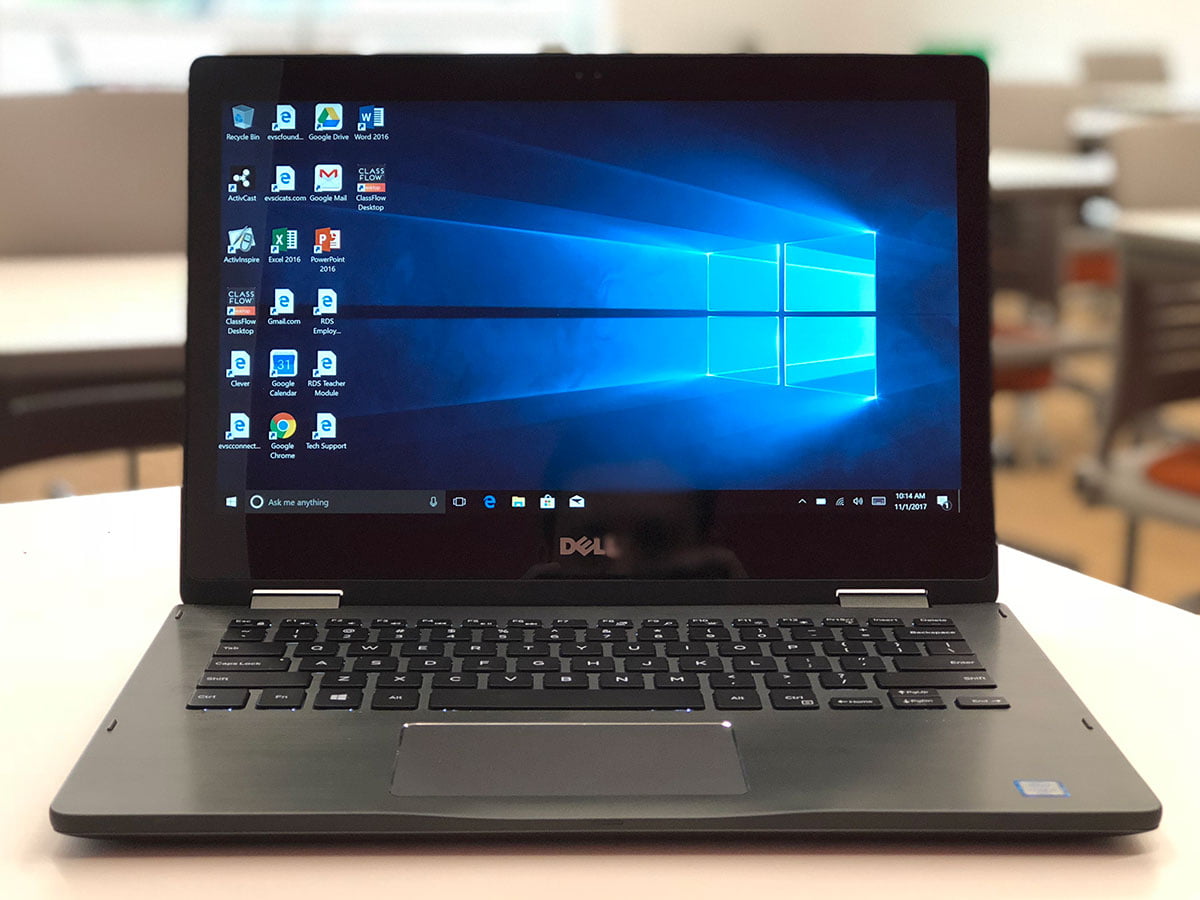
New 2-in-1 Dell Windows 10 laptops are starting to rollout to teachers around the district. This rollout is for teachers only. The present teacher desktop computer will remain in the room until such time the classroom receives a new Promethean ActivPanel screen. High Schools are now in the process of receiving new Promethean ActivPanels with middle and elementary schools to follow. More information will be coming soon about the multi-year rollout of Promethean ActivPanels.
Why Teachers Need to Copy Files To Google Drive
Let’s talk about the computer files that are presently on your teacher desktop computer. The Office of Technology has created directions for teachers to use on how to copy files from their old desktop computers to Google Drive using a new application for Mac and PC called Google Drive File Stream (GDFS). You can use Google Drive File Stream to access all your Google Drive files from any computer while using less disk space and decreasing sync time.
With Drive File Stream, you can:

- Quickly see all your Google Drive files in Finder(Mac) or Explorer(Windows) including Team Drives.
- Browse and organize Google Drive files without downloading all of them to your computer.
- Choose which files or folders you’d like to make available offline (always synced to computer).
- Open files in common apps like Microsoft Office and Adobe Photoshop.
- Just double-click the file to open.
- Make changes to the file and save the file.
- Close the application and GDFS automatically uploads the updated file to Drive.
- The next time you click to open the file, you will receive the latest version.
- If your laptop ever breaks or is stolen, your files are still safe in Google Drive.
- Save space on your computer by having all your computer files stored in the cloud in Google Drive! (Unlimited space with EVSC Google Drive!)
Directions on Getting Started with Google Drive File Stream
Questions or Concerns?
Do you have questions about the new teacher laptop? Want to know more about Google Drive File Stream? If so, please leave a comment below.
