

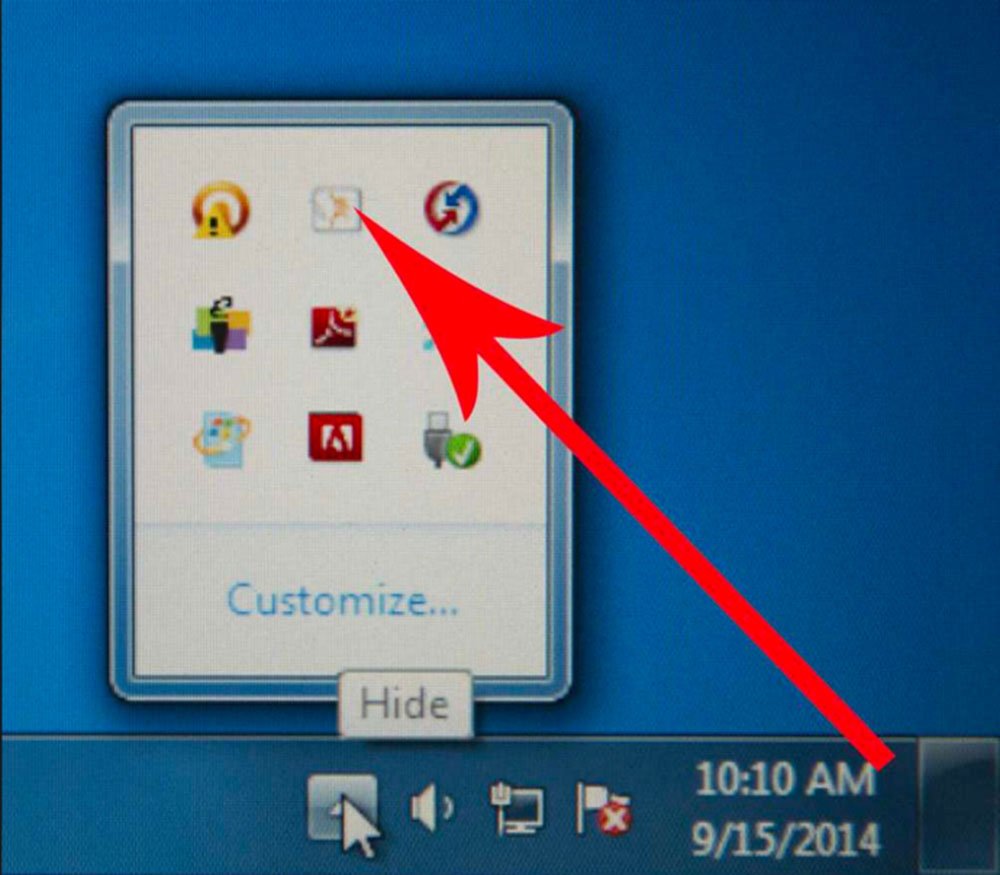
Calibrating the Promethean Board can be done through the taskbar on the computer.
Directions
- Select the triangle on the bottom right of the taskbar of a PC.

2. Select the Promethean icon – PC
MAC – You will find this icon in the menu bar at the top of the screen.

3. Select Calibration from the menu.
4. Then select 5 Points.

5. Calibration points will appear on your Promethean Board. Go up to the board with your pen and follow the on-screen directions.
